
Device guide
Set up Diamond IPTV on a MAG or Formuler box
By the Diamond IPTV support team · Updated · 5 min read
Short answer
MAG boxes install no apps — they connect to a portal address linked to the box's MAC address, so send us the MAC address first and we'll give you the portal URL. Formuler boxes use their built-in MYTVOnline app, where you can add Diamond IPTV with Xtream Codes details, a portal, or an M3U link.
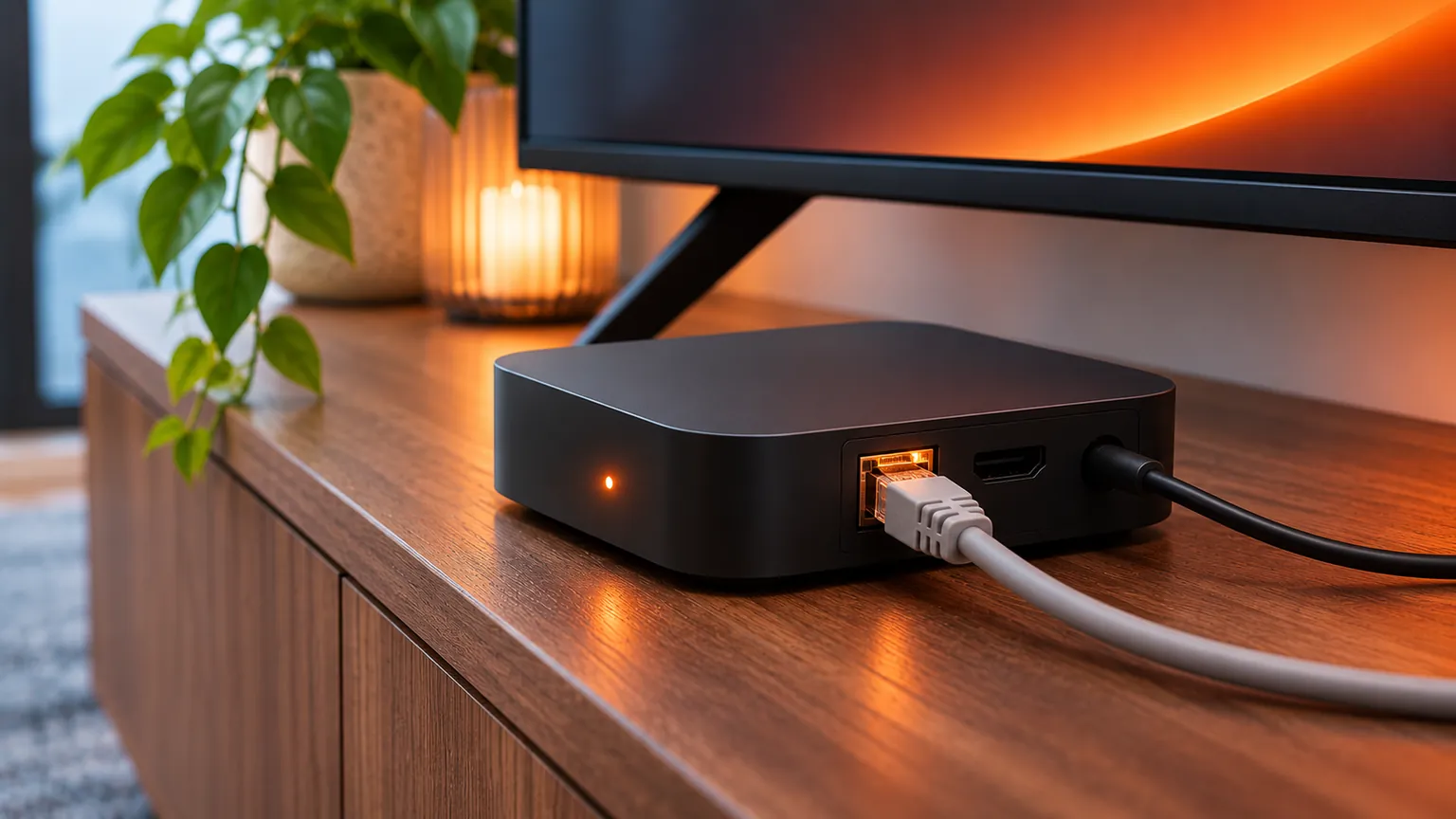
Before you start: the MAC address
Portal-based boxes are authorised by their MAC address, printed on a sticker underneath the box. MAG addresses usually begin with 00:1A:79. Send it to us on WhatsApp when you request your trial or after you order, and mention that you're using a MAG or Formuler box.
MAG box
- Connect the box to your router — Ethernet is recommended for live TV.
- Go to Settings → System settings → Servers → Portals.
- For Portal 1 name enter anything (for example Diamond). For Portal 1 URL enter the portal address we send, exactly as written.
- Leave Portal 2 empty and save.
- Go back and choose Restart portal.
Formuler with MYTVOnline
MYTVOnline supports three ways in. Xtream Codes is usually the easiest:
- Open MYTVOnline → Content Manager (called Connections in some versions) → Add connection.
- Choose Xtream Codes API, enter a name, the server URL, username and password, switch Include VOD on, then Connect.
Prefer the portal method? Choose Add portal and use the portal URL we send after registering your MAC address.
Common questions
- Why do you need my MAC address?
- Portal-based boxes are authorised by MAC address. We use it only to activate your line, as described in our privacy policy.