
Guide
Living in the Netherlands? A practical guide to TV in English
By the Diamond IPTV support team · Updated · 5 min read
Short answer
If you've moved to the Netherlands and want TV you can follow in English, IPTV lets you watch on your own smart TV, streaming stick or laptop over the broadband you already have — no dish or extra contract with your internet provider. Check your Wi-Fi coverage, which devices you'll use, how many people watch at once, and that you understand the terms and the currency you'll pay in.
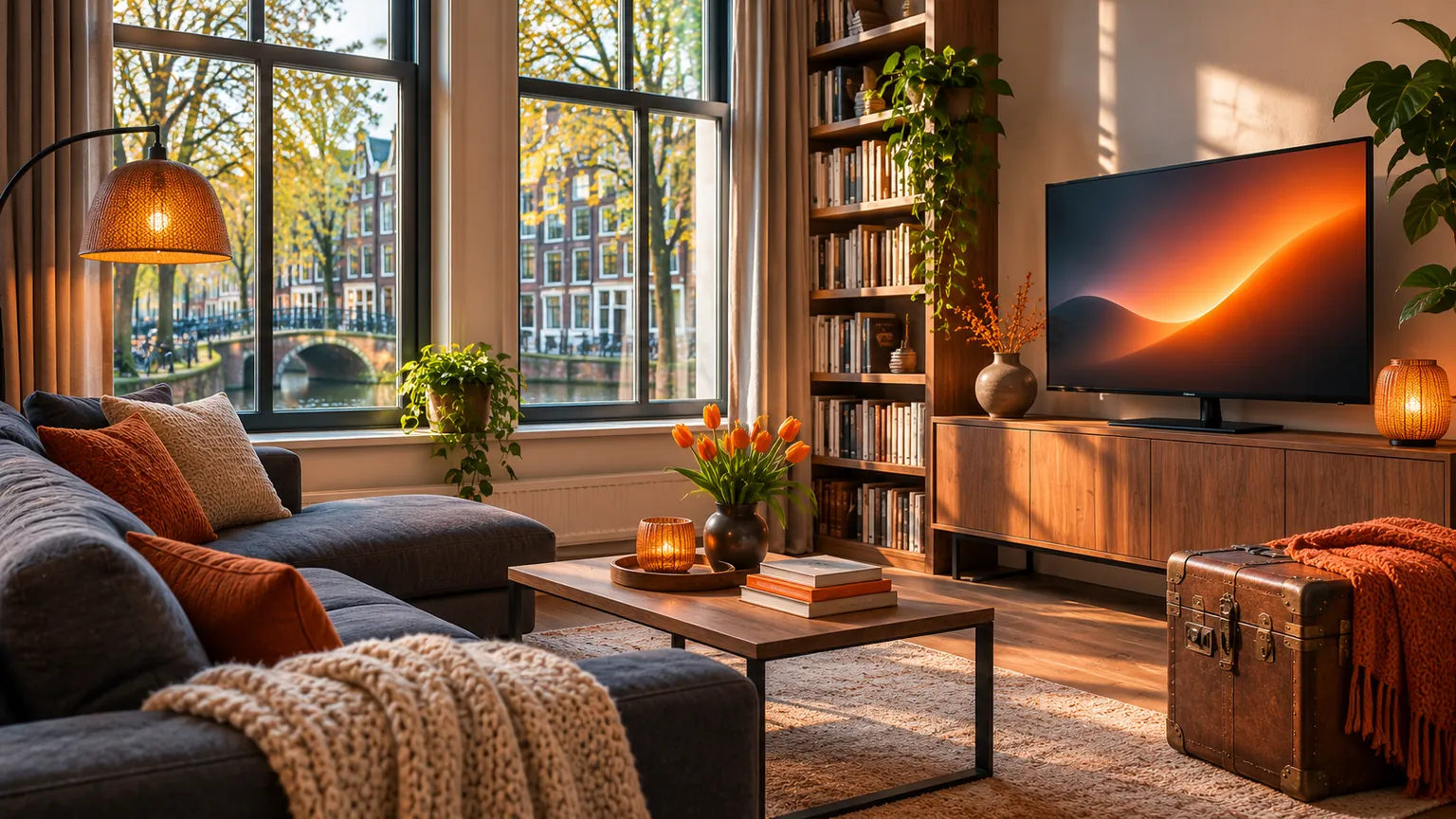
How it fits into a Dutch home
Most homes in the Netherlands have fibre, cable or DSL broadband. IPTV uses that connection — you don't need to change provider or install anything on the building. Your provider's own TV box isn't involved; you watch through a player app on a device you control.
In a rental or shared flat
- Check where the router is. In narrow canal houses and apartment blocks, the TV is often two floors away — a mesh system or powerline adapter fixes that.
- A Fire TV Stick or Google TV device moves with you when you change flats.
- Shared house? Agree how many people will stream at once, then pick the matching number of connections.
Keeping costs predictable
Diamond IPTV prices are in US dollars and paid once per period, with no automatic renewal. If you pay from a euro account, your bank converts the amount at its own rate. Longer plans cost less per month — for one screen, 12 months works out at $5.75 USD a month.
Everything in English
The site, the terms, the setup guides and our support conversations are all in English, so there's nothing to translate when something needs fixing.